
Free
For trying games with one class.
£0
Request the Free plan- 3 game modes
- Your own questions in any subject
- Your whole class can join
9 game modes for any subject
Put a game on the board and show the code. Your class joins on their phones in seconds, with no student accounts and nothing to install.
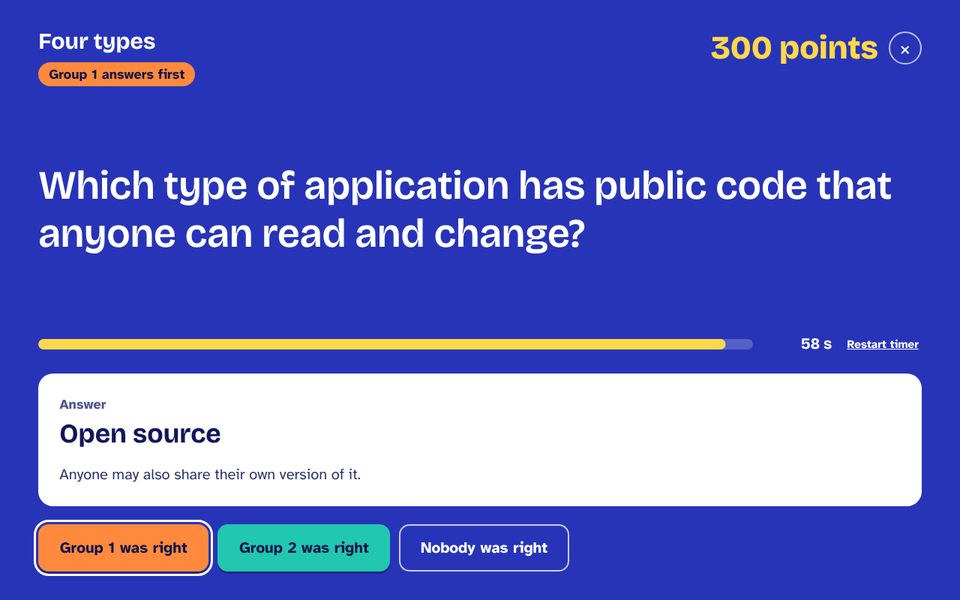
The question runs with a 20-second timer. Students tap an answer on their phones, faster answers score more and the explanation shows straight after. Pick a subject and tap an answer to try it.
Faster answers score more points.
Leaderboard
Choose one of nine games, then a ready-made set or your own questions. Set the teams and the timer.
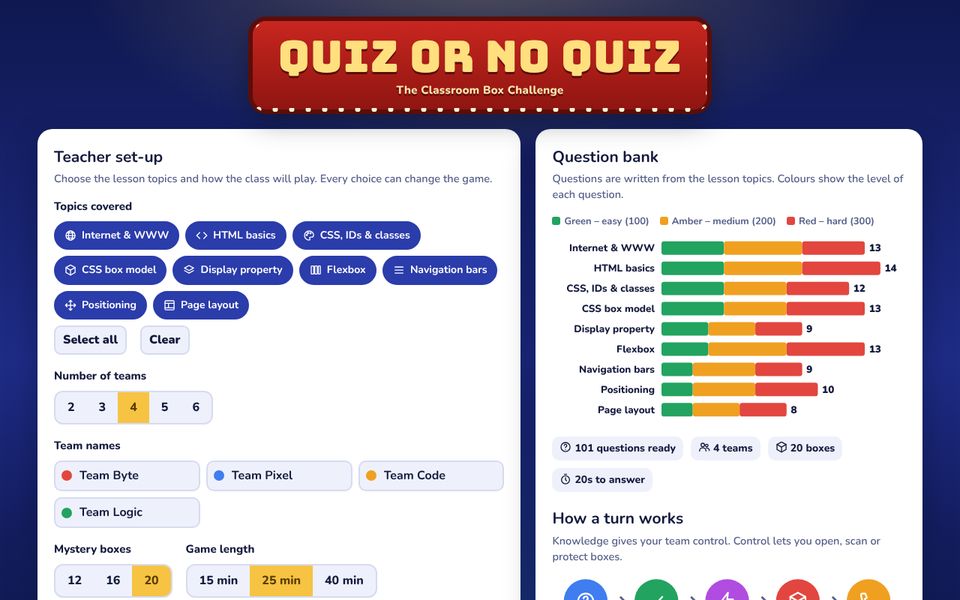
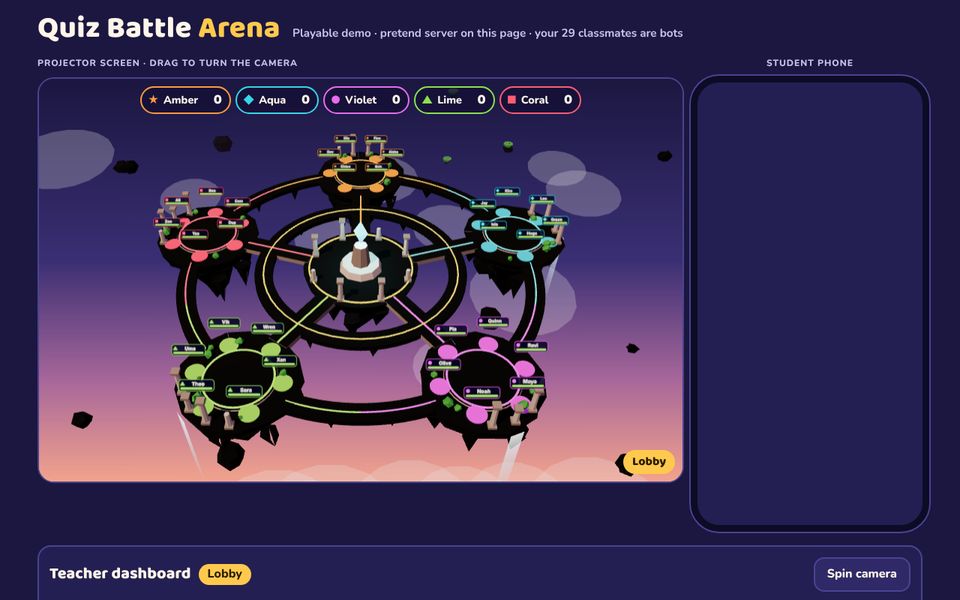
The board shows a code and a QR. Students join on any phone or laptop and appear in the lobby.
Each answer is shown with a short explanation, so the game teaches while the class plays.
The whole class plays at once. Pick a game to step through a round.
Type or upload your own questions for any subject, or start from a ready-made set. Every question works in all nine games.
Students type the code, get a random animal name and play. Nobody gives an email, a real name or a password.
Joining takes a six-digit code or a QR scan.
Real names never appear on the projector.
Student screens show the game and nothing else.
Only the teacher's account keeps results.
Free for one class. Pay when you want every game and topic.
For trying games with one class.
£0
Request the Free planEvery game and topic for one teacher.
£39a year
Request the Teacher planFor a department of up to 10 teachers.
£149a year
Request a school quoteNo. They type the code from the board or scan the QR, and get a random animal name.
Any phone, tablet, Chromebook or laptop with a browser. Teams can share one device.
Any subject. Type or upload your own questions and they work in every game. Ready-made sets are added subject by subject.
Yes, on every plan. Type them in, or upload a spreadsheet on the Teacher and School plans.
Yes. One person buys the School plan and invites colleagues with a code.
Students join at classroar.com
482 915
The board shows this when a game opens.